Report Technical Difficultiesadriankind2025-10-10T13:53:46+02:00
Neighborhood Outage Check
Step 1 (Smart Meter On Check)
Is the digital display of your smart meter switched on?
YES
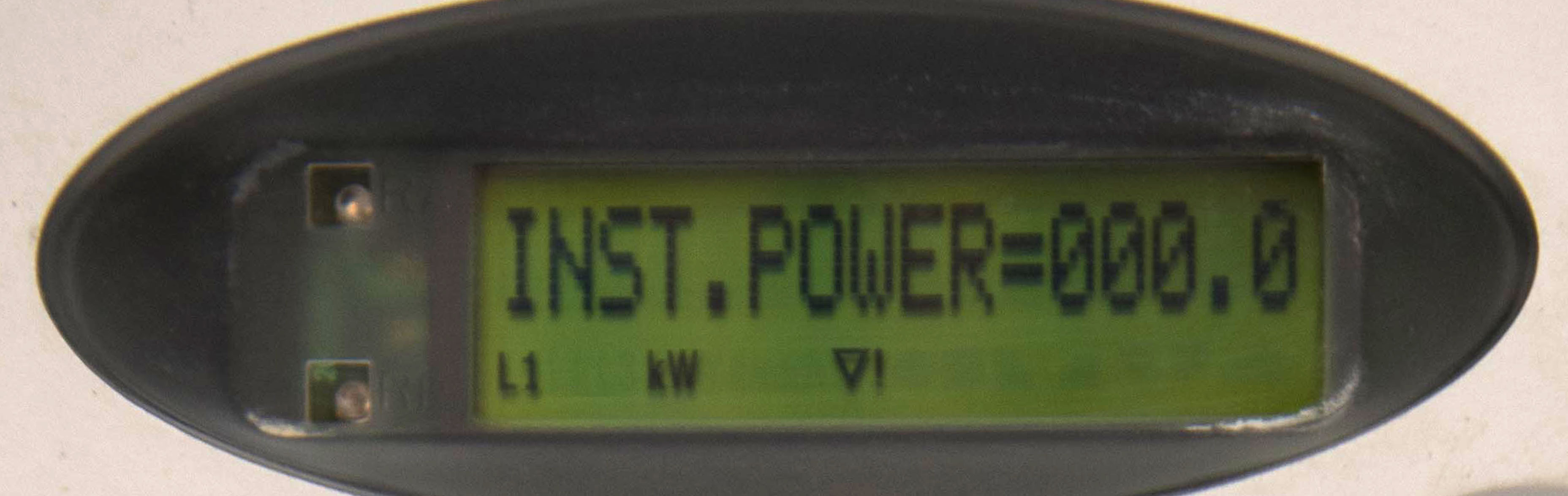
My meter display is on and showing a reading.
NO
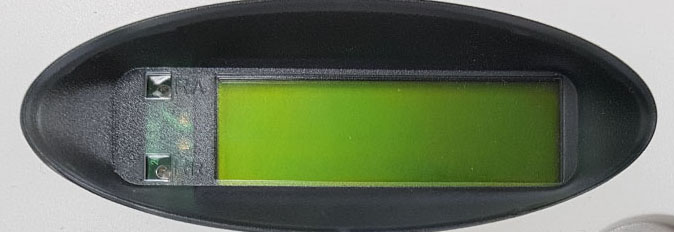
My meter display is off.
Step 2 (Smart Meter Damage Check)
Is your meter damaged in any way?
NO DAMAGE
The meter is not damaged.
SPARKING
My meter is sparking.
FIRE
My meter is on fire.
Step 3 (Neighborhood Outage Check)
Are your neighbors experiencing an electrical outage as well?
YES
My neighbors are experiencing an electrical outage as well.
NO
My neighbors are not experiencing an electrical outage.
Step 4 (Report Issue)
If your meter's digital display is switched off and your street is not highlighted in the power cuts map,
or if any of the phases of your three-phase connection is disconnected, you need to contact us to dispatch
our technicians to resolve your difficulty. To report your difficulty, you would need to provide us with the
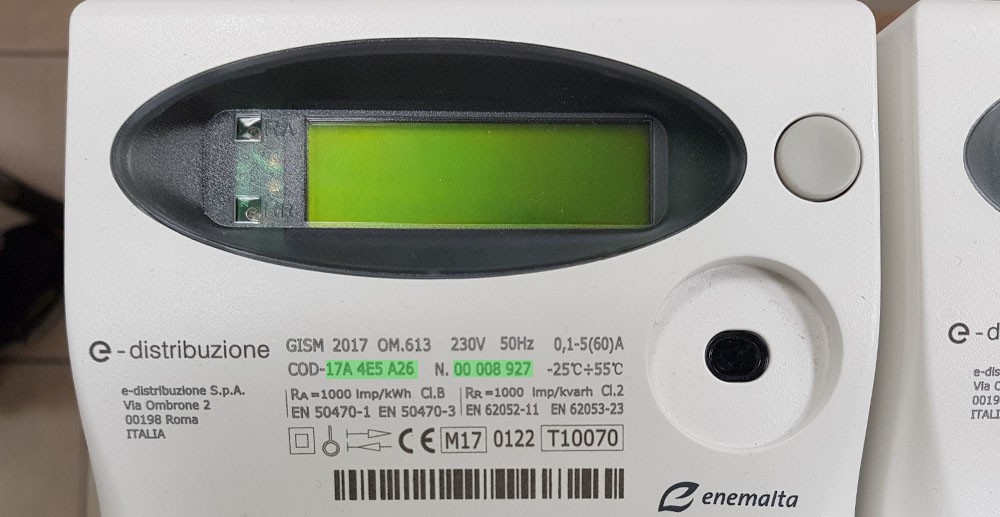
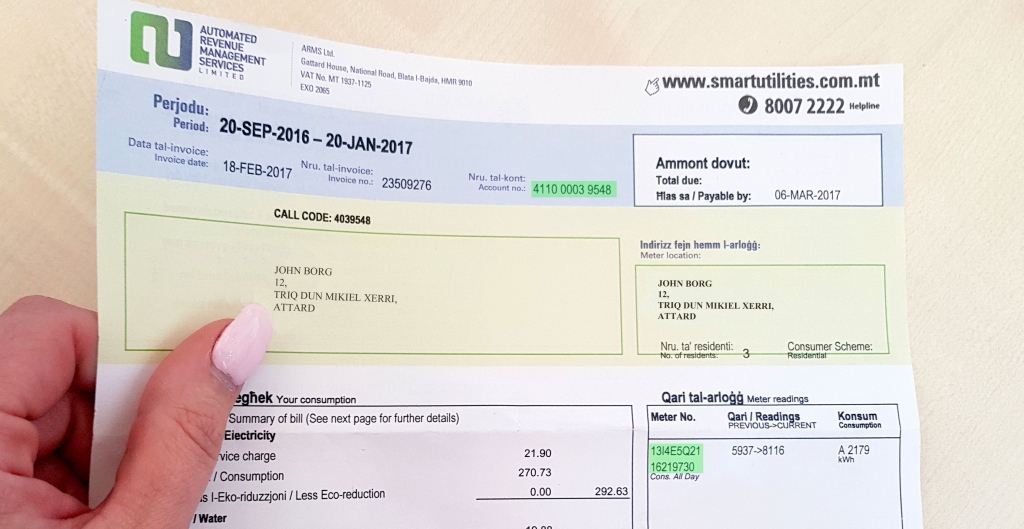
account number or the meter number of your service. The two numbers are printed on your ARMS electricity
bills, whilst the meter number is also printed on your meter.
To report your difficulty, call our 24/7 customer care team on 8007 2224 or use the online form below: